Showing posts with label office. Show all posts

Tuesday, August 30, 2016

Best office apps my apologie for last week

,

Well as title says today I will show you top 10 office apps. It will be two PowerPoint replacement and 8 Microsoft office apps. Today you will see all kinds of app; from fully featured and almost the same as Microsofts office ones to lightweight nice looking ones so everyone can pick its own favourite and 

1. Polaris office


It is an app that comes preloaded on most of android smartphones and tablets. It gathers "Notes, Exelc, Word and PwerPoint" in one app. You get every basic future from Microsoft Office so you dont have to worry but for all power users that need a lot of different photo effects or maybe animations in PowerPoint this is not the best option. Well what I really like is couple of awesome templates for "Word" but especially ones for "PowerPoint".

Download for free

2. CloudOn
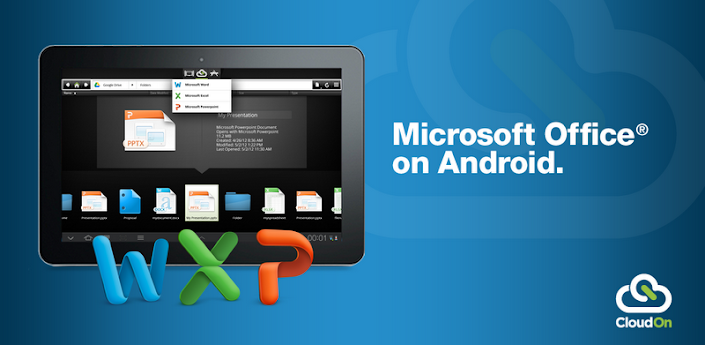
This is my personal favourite because basically what it does is bring whole Microsoft Office from PC to your Android. It also saves every project to cloud so you can get where ever you are. Just how I said it brings you fully futured Microsoft office, from UI to functions. Only downside is that you have to be online to use it.

Download for free 

3. Google drive
Is an app made by google that is firstly a cloud with 5GB of storage for free and option to upgrade but it also brings Word, Excel and PowerPoint with a lot nicer and simpler UI that I likes. Well what else to say if you want an awesome looking app with bunch of cloud storage and pretty basic but also nice looking UI this is must have for you.

Download for free 

4. Deck slideshow

This is the most awesome PowerPoint/slides editor and maker. If anyone is familiar with Prezi ,for me the best PowerPoint competitor. Well its something like that. Lot of cool templates with awesome animations. It good if you have to make a project for school or make presentation that has to make people become interested in your topic. But there is one problem, just some of templates are unlocked whilefor the others you have to pay.

Download for free

5. IncStage presenter

This is another awesome PowerPoint/Slides maker. It is fully futured PowerPoint replacement. It offers even more than PowerPoint and it is packed in easy to use interface. It is intended to make your presentations sharable. You can share your creations to almost everything you want. You can also export your presentation like Jpeg, OWG, PPT or PDF.

Buy $6,15      

Dowload:    paid version for free 

6. QuickOffice
After CloudOn this is most futured office app in Play Store. As Ive said in description of CloudOn this is for every user that wants to have 3D photos, all cool animations and much more. And one thing to notice you dont have to be online to use it. But here we have one downside too; it is complicated. I used it for a week and Ive spent 45min just to find where are all futures "hidden".

Buy $19,99

Download:    paid version for free

Other office apps

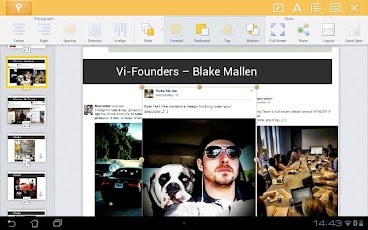
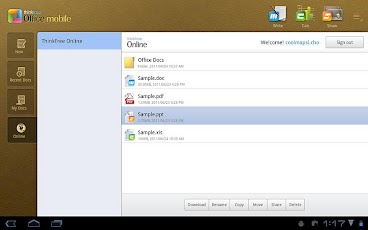
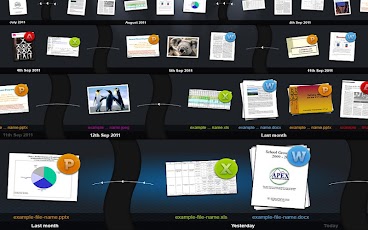
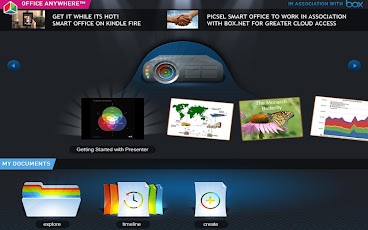
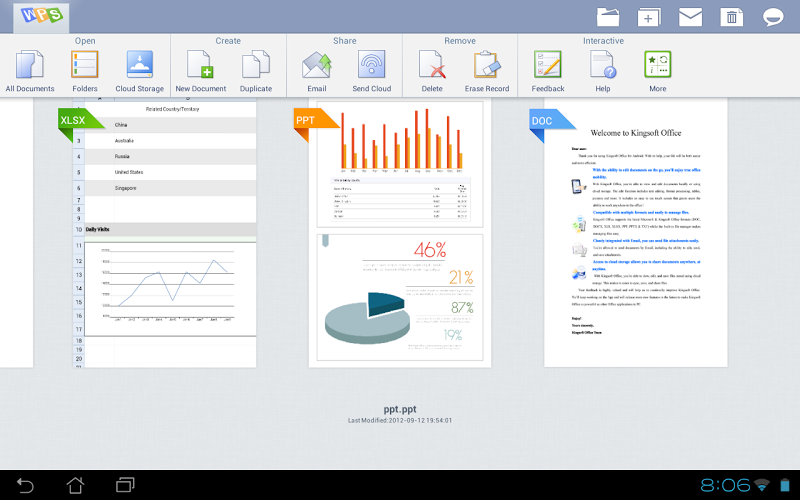
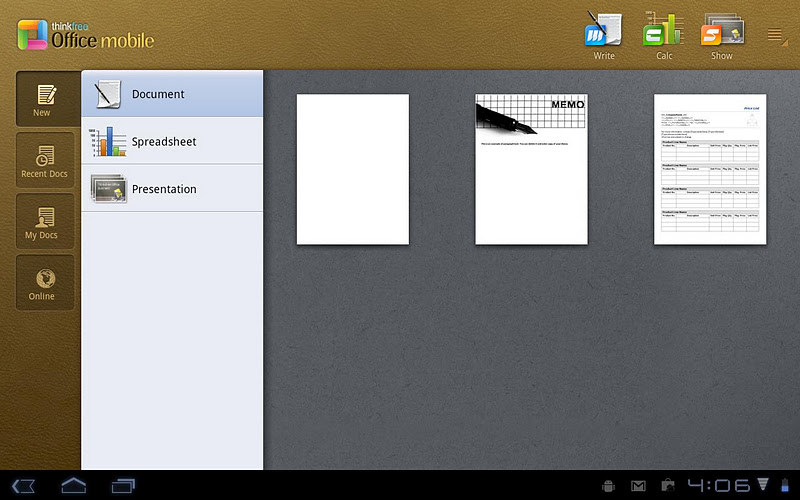
These 4 apps are mostly the same as "Polaris Office" but with different UI and awesome templates. Why have I put them if they are the same as polaris office.  Well thats simple; as I mentioned they are mostly the same but not everyone likes how Polaris looks like so these apps are replacement or lets say same thing but in different package and because of that for every app I will provide a couple of screenshots so you can pick best looking one. 

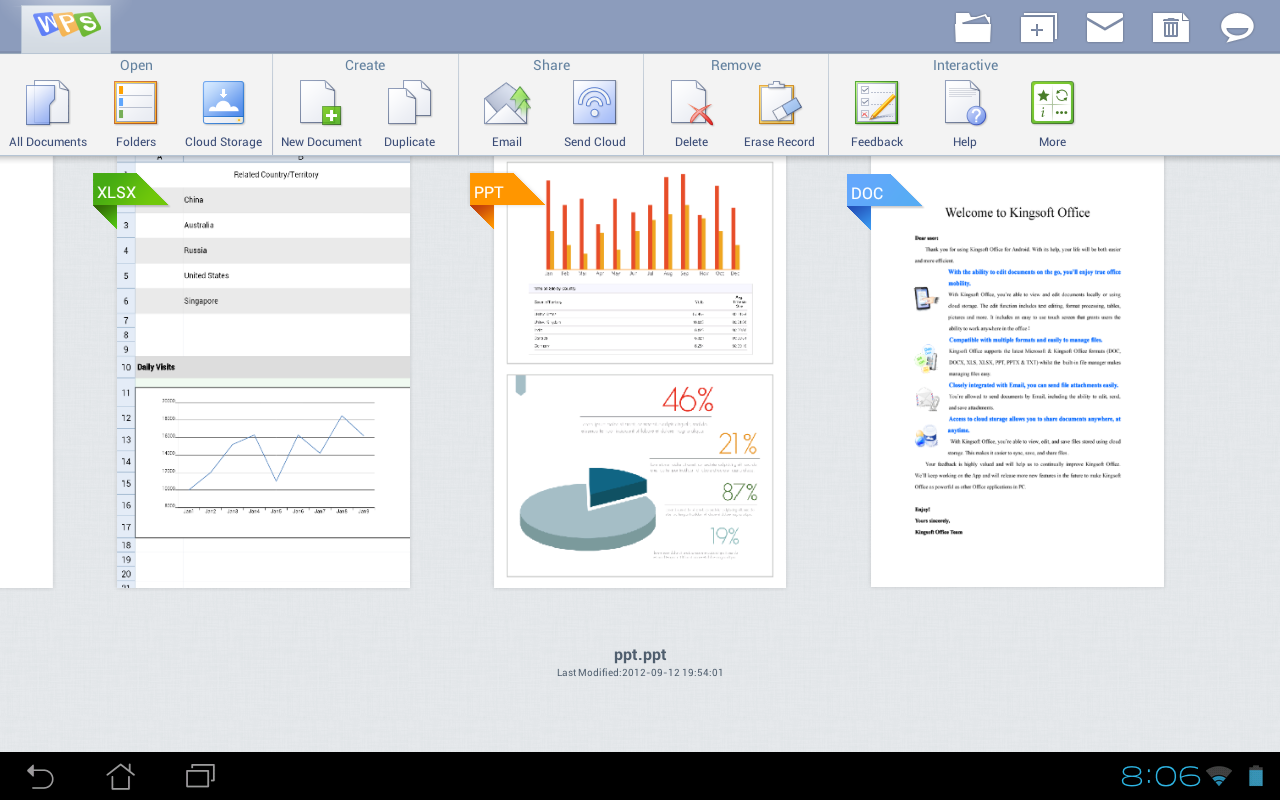
1. Kingston office

There is just two things to mention: It is more simple and easier to use and it has 2 or 3 widgets that will improve your productivity.
 

Download for free

2. ThinkFree office

Same thing with more realistic UI . It has leather background with realistic pockets to "hold" your documents.
     

Buy $8,17

Download:    paid version for free

3. Smart Office 2
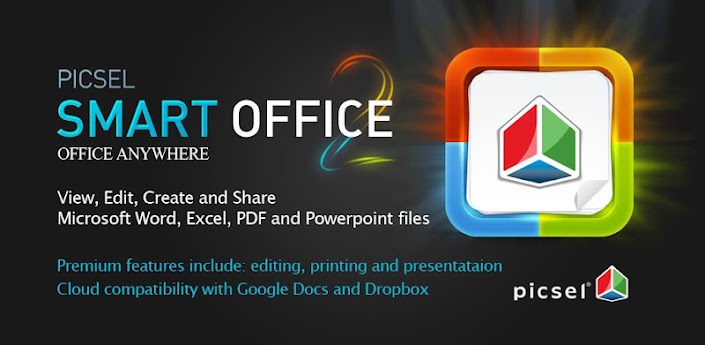
This is more colorful and a lot funnier way of using office. 
 
Buy $9,26 
Download:    free version          paid version for free

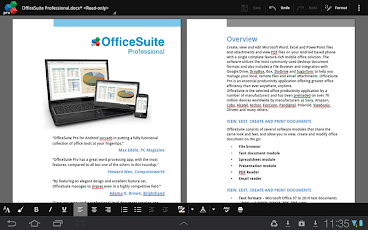
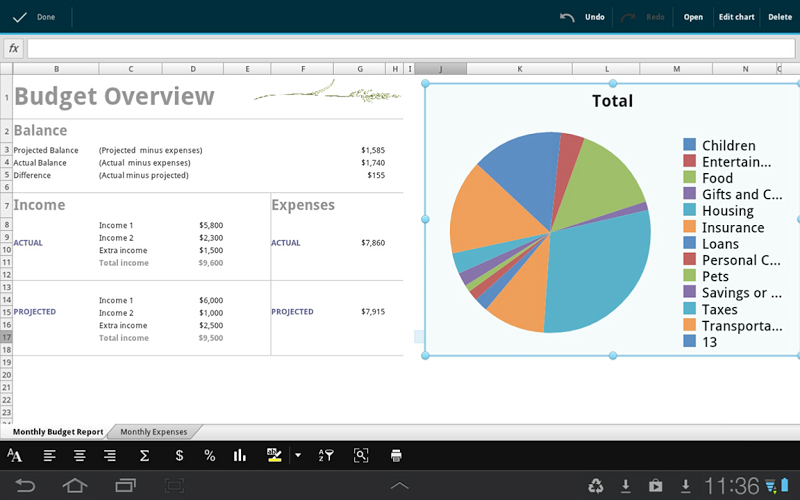
4. OfficeSuite

This is styled office app that futures black background and minimalistic look.
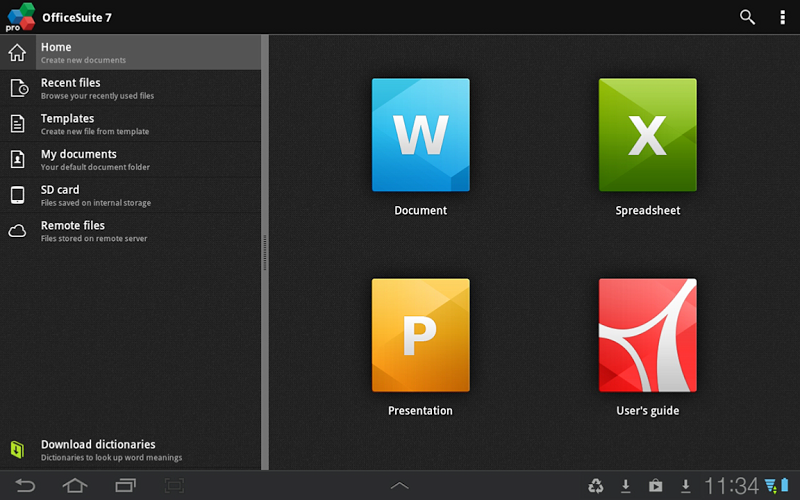
Buy: $14.99               

Download:    free version          paid version for free


My apologie

well, everyone that reads my blog constantly i am sorry because not posting anything last week. i wasnt at home and i couldnt make those posts so i will post them this week an once again i am sorry
Read more

Friday, April 8, 2016

Microsoft Office 2010 Beta released for public download

,

Top Ten Benefits of Office 2010 Beta

Express your ideas more visually
Office 2010 opens up a world of design options to help you give life to your ideas. The new and improved picture formatting tools such as color saturation and artistic effects let you transform your document visuals into a work of art. Combined with a wide range of new pre-built Office themes and SmartArt® graphic layouts, Office 2010 gives you more ways to make your ideas stick.

Accomplish more when working together
Brainstorm ideas, provide better version control, and meet deadlines faster when you work in groups. The co-authoring experience for Microsoft® Word 2010, Microsoft PowerPoint 2010, Microsoft® Excel Web App and Microsoft OneNote shared notebooks let you work on a file with several people at once - even from different locations.

Enjoy the familiar Office experience from more locations and more devices
With Office 2010, you can get things done more easily, from more locations and more devices. Using a smartphone or virtually any computer with an Internet connection, you can work when and where you want to work.

Microsoft Office Web Apps
Extend your Office 2010 experience to the Web. Store your Word, Excel, PowerPoint, and OneNote files online and then access, view, edit, and share content through the web.

Microsoft Office Mobile 2010
Stay current and respond quickly using enhanced mobile versions of Office 2010 applications, specifically suited to your Windows Mobile-based smartphone.

Create powerful data insights and visuals
Track and highlight important trends with new data analysis and visualization features in Excel 2010. The new Sparklines feature delivers a clear and compact visual representation of your data with small charts within worksheet cells. Filter and segment your PivotTable data in multiple layers using Slicers to spend more time analyzing and less time formatting.

Deliver compelling presentations
Captivate your audience with personalized videos in your presentation. Insert and customize videos directly in PowerPoint 2010—trim, add fades and effects, or bookmark key points in the video to call attention to selected scenes. Videos you insert are now embedded by default, relieving you from managing and sending additional video files.

Manage large volumes of e-mail with ease
Compress your long e-mail threads into a few conversations that can be categorized, filed, ignored, or cleaned up. The new Quick Steps feature let you perform multi-command tasks, such as reply and delete an e-mail in a single click, saving you time and in-box space.

Store and track all your ideas and notes in one place
Get the ultimate digital notebook for tracking, organizing, and sharing your text, picture, video and audio notes with OneNote 2010. New features such as version tracking, automatic highlighting, and Linked Notes give you more control over your notes so you’re always on top of where your ideas came from and the latest changes when working in teams.

Get your message out instantly
Broadcast your PowerPoint presentation to a remote audience, whether or not they have PowerPoint installed.5 The new Broadcast Slide Show feature allows you to share your presentation through a web browser quickly without additional set up.

Get things done faster and easier
Microsoft Office Backstage™ view replaces the traditional File menu to give you a centralized space for all of your file management tasks, such as the ability to save, share, print, and publish. The enhanced Ribbon across Office 2010 applications lets you access commands quickly and customize tabs to personalize the experience to your work style.

Access work across devices and platforms
Enjoy the freedom of using Office 2010 from more locations on more devices. When you use Microsoft® Office 2010, you’re getting the familiar and intuitive Office experience across PCs, Smartphones, and Web browsers on the go.

Read more

Friday, March 4, 2016

Kingsoft Office v5 7 3 apk

,

Description
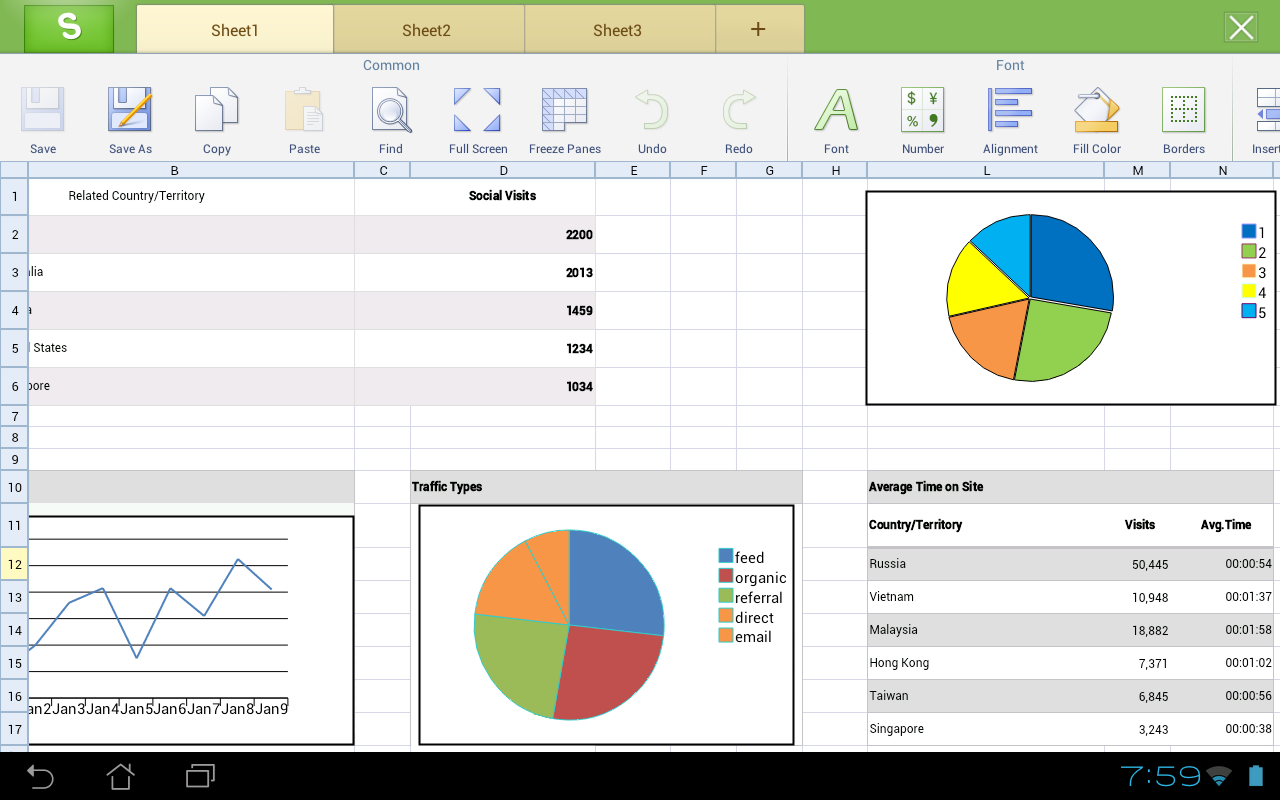
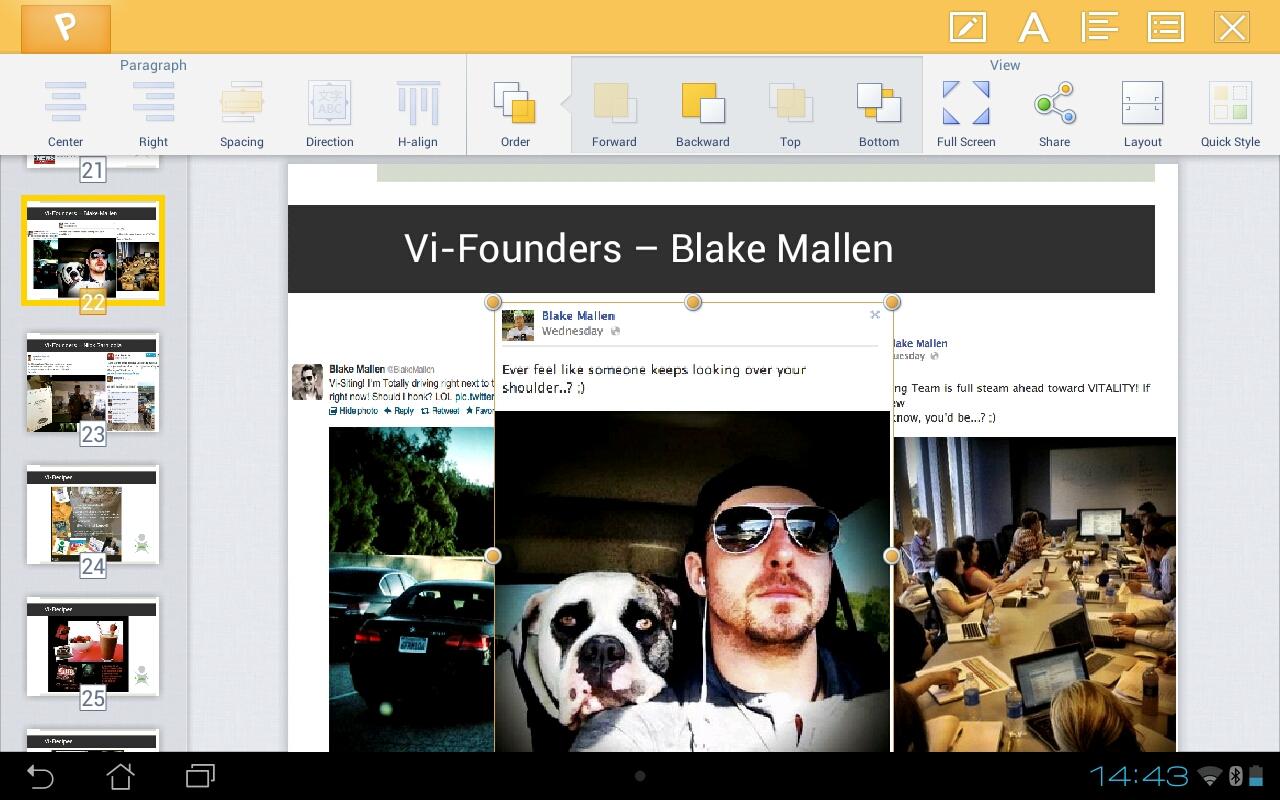
Kingsoft Office is the only mobile Office with full-features FREE. Support for running on Android 2.1 and above system. User-friendly & nice UI interface! Users from over 200 countries and regions around the world are using it. The Average Rating of Kingsoft Office is up to 4.6 stars! Whether in a small cell phone screen or on a large screen on the Tablet, Kingsoft Office has a superior performance!

Features
- Rich editing features! All is FREE!
- Small Size, Stable Operation, and Special interface!
- Support 23 kinds of files, including DOC/DOCX/TXT/XLS/XLSX/PPT/PPTX/PDF
- Built-in file manager that can automatically organize your office document
- Tight integration with the mail application
- Support cloud storages such as Google Drive, Dropbox, Box.net and other services with WebDAV protocol
- A variety of gestures operations, which make your work more interesting
- Support different Read Mode which be closer to the users’ need

Change Log
- Fixed: In Spreadsheet, in the Paste Special interface, if select the clip(s) except the first one in the clipboard, and then tap “Paste”, the document crashes.
- Fixed: In Spreadsheet, if copy the cell contents, and then switch to other applications and copy contents, the result was wrong when pasting in spreadsheets.

Images


Downloads
Download
Read more
 

Computer Info Copyright © 2016 -- Powered by Blogger