Showing posts with label teamviewer. Show all posts

Wednesday, January 11, 2017

How to access a remote computer using TeamViewer

,
access a remote computer using TeamViewer
Want to access friend’s system over internet but wondering how to do that? Here is a simple way. TeamViewer is the fast, simple and friendly solution for remote access over the Internet - all applications in one single, very affordable module. TeamViewer establishes connections to any PC or server all around the world within just a few seconds. You can remote control your partner’s PC as if you were sitting right in front of it.

Advantages of TeamViewer:
  • Using this you can instantly take control over a computer anywhere on the Internet, even through firewalls.
  • Perform both remote access and remote desktop sharing.
  • No installation required, just use it fast and secure.
  • You can also send/transfer or run files between the two connected computers.
  • It also enables you to chat with the other user.
  • All this features for free.
How to use it:

  1. You just need to download two files, one is the TeamViewer_setup that you can either install or run live on your system to take control of remote system.
  2. Other is the teamviewerqs which is the client that is required to be run on the remote system.
  3. Run your setup and ask your friend to run his.
  4. Enter his ID in your Create Session ID box (as shown). Click “connect to partner”.
  5. It will ask for your partner’s password, enter that in that box.
  6. This is it, connection has been setup and you can use his desktop and do anything you want.
  7. Below is the screenie of the remote system.
access a remote computer using TeamViewer
Read more

Friday, June 10, 2016

TeamViewer for Remote Control v8 0 1432

,

Description
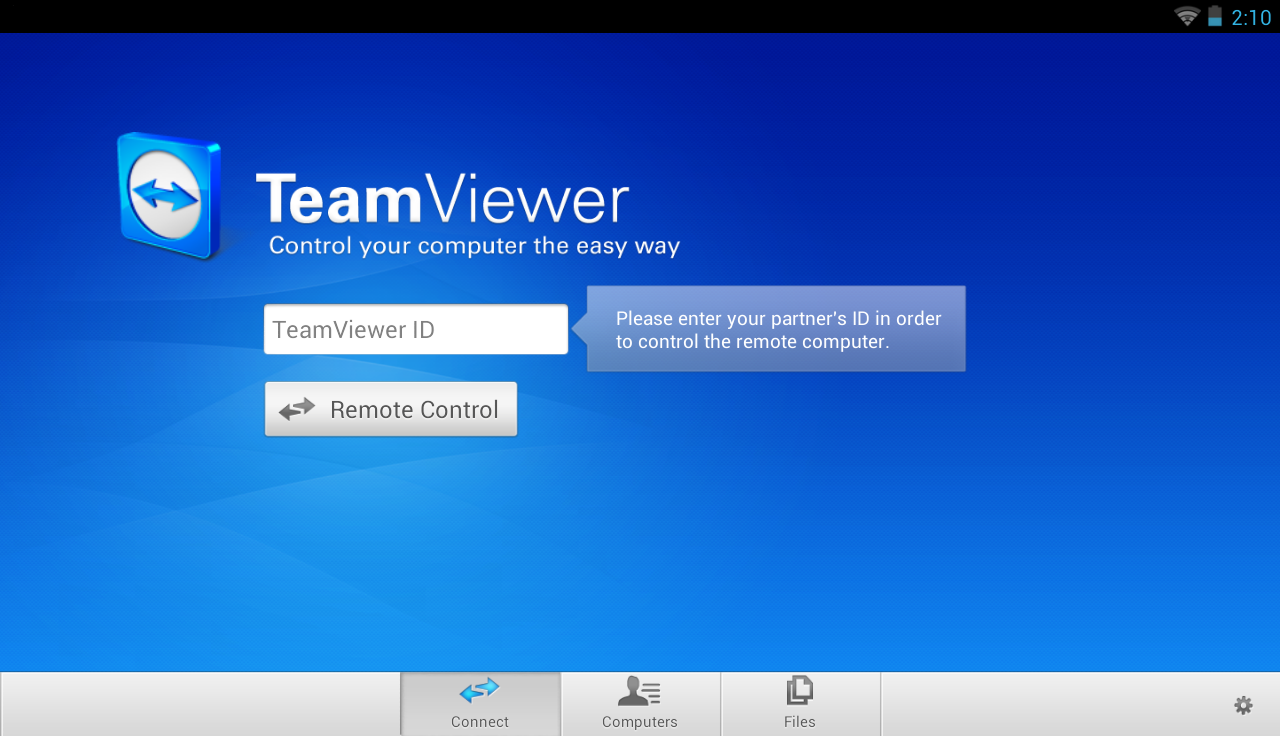
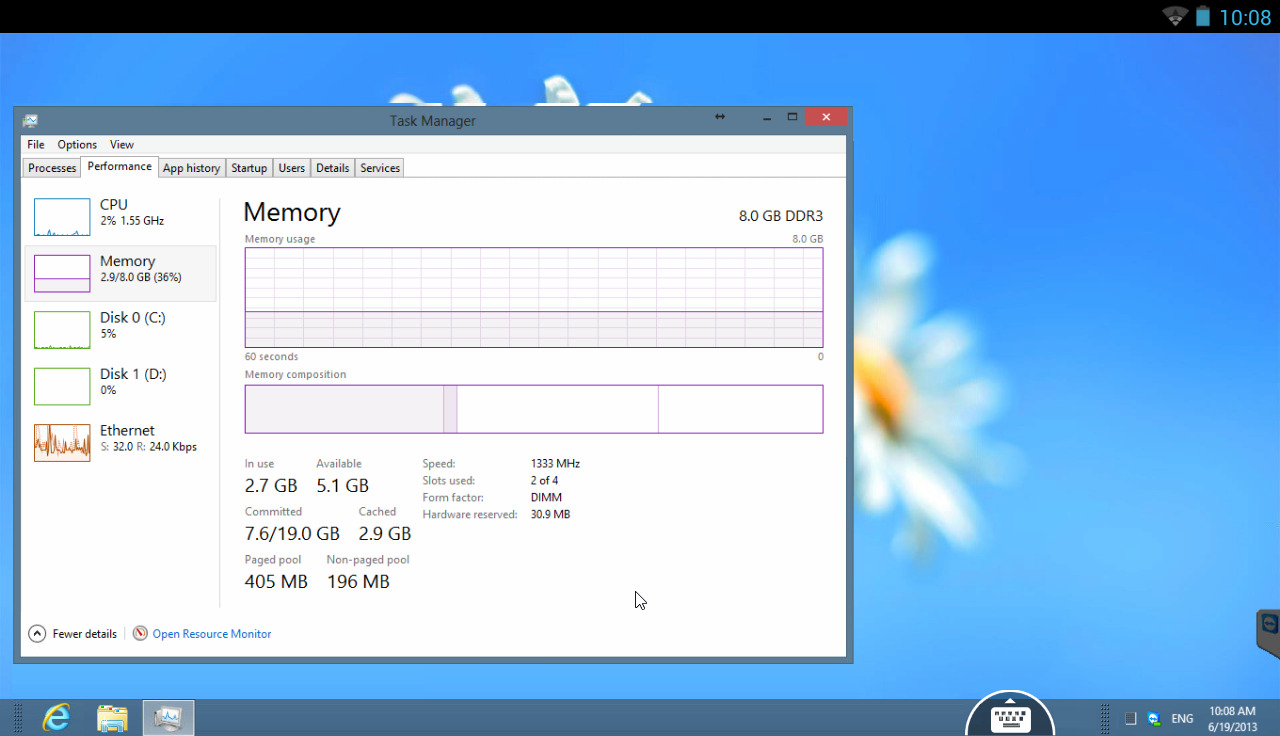
Mobile and flexible: remotely access computers from your android device!
Easily support friends and family when they have computer problems - no matter where you are. You can also benefit from gaining access to your private home computer to edit documents or use particular software while you are on the road.

Features
- Both spontaneous support for friends & family and access to unattended computers (Windows, Mac, Linux) are possible - also during a telephone call
- Transfer files from your Android mobile device to any computer and vice versa
- Conveniently control remote computers using the multi-touch gestures: left click, right click, drag & drop, scroll wheel, zoom
- Complete keyboard control incl. special keys such as Ctrl, Alt, Windows®
- Meets highest security standards: 256 Bit AES Session Encoding, 1024 Bit RSA Key Exchange
- Effortlessly access computers behind firewalls and proxy servers
- Automatic quality adjustment
- Remotely reboot the computer
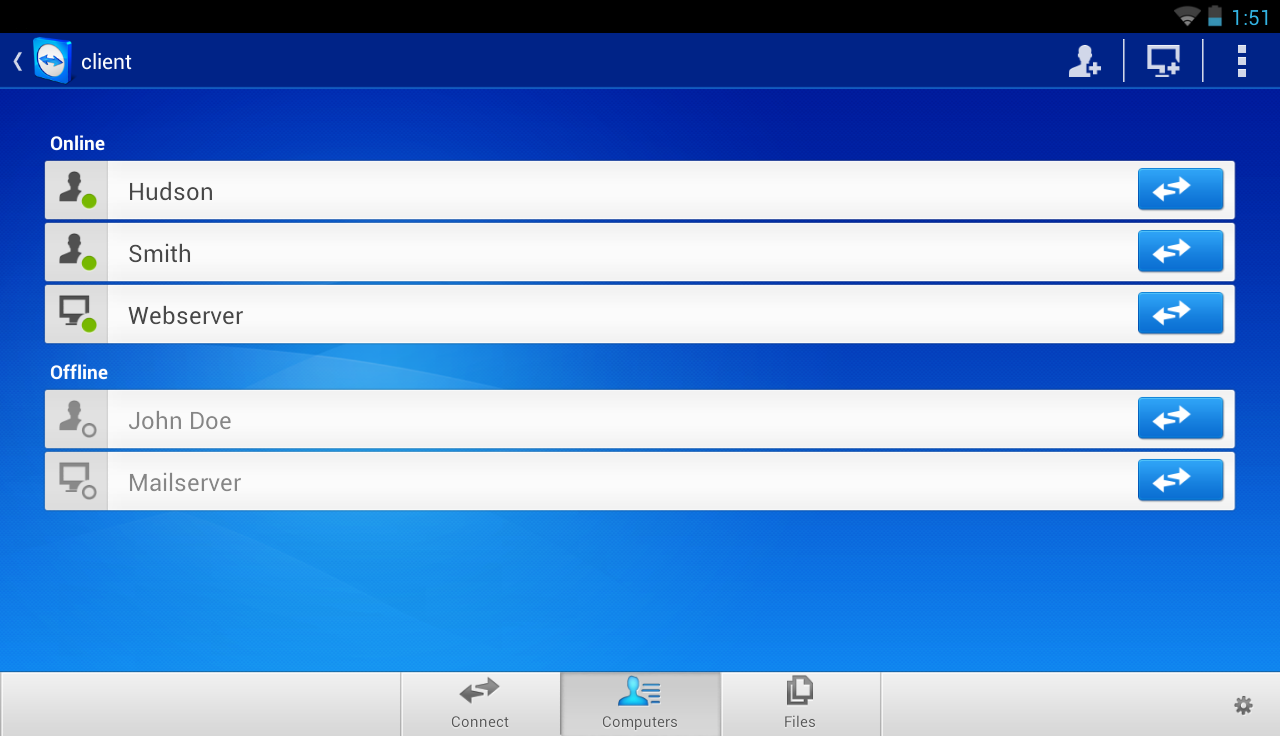
- Overview of friends and computers that are online - via the integrated computer list
- Tablet ready

Private use
TeamViewer Free is intended for private use only, e.g. to access your private computers or help friends with their computer problems.

Change Log
- Lock remote computer” at the end of the session can be set to: Auto select, Always, or Disable
- Play computer sounds and music” can be deactivated
- Clipboard synchronization
- When leaving the app during a connection, possibility to return to the open session by clicking on the TeamViewer icon on the desktop
- Various other minor fixes and improvements

Images


Downloads
Download
Read more
 

Computer Info Copyright © 2016 -- Powered by Blogger