Showing posts with label sd. Show all posts

Monday, October 31, 2016

AppMgr III App 2 SD v3 1 9 apk

,

Description
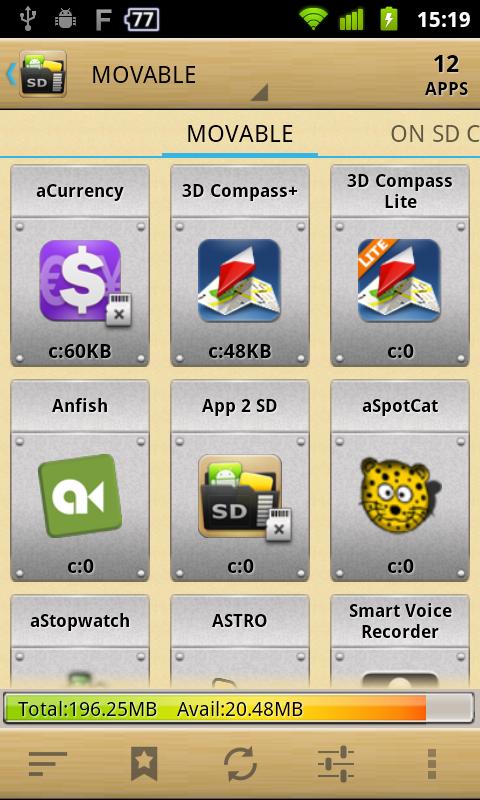
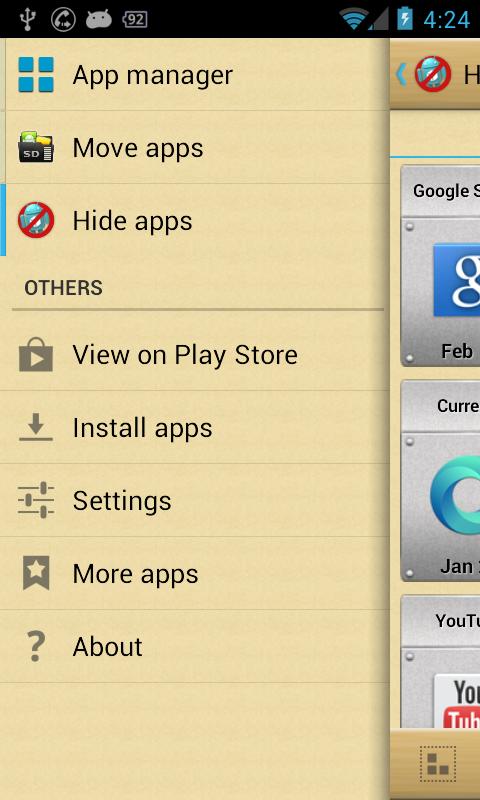
AppMgr (also known as App 2 SD) is a totally new design app that provides the following components:

Move apps:
Moves apps to either internal or external storage for getting more available app storage

Hide apps:
Hides system (built-in) apps from the app drawer

App manager:
Manages apps for batch uninstalling, moving apps or sharing apps with friends

Features
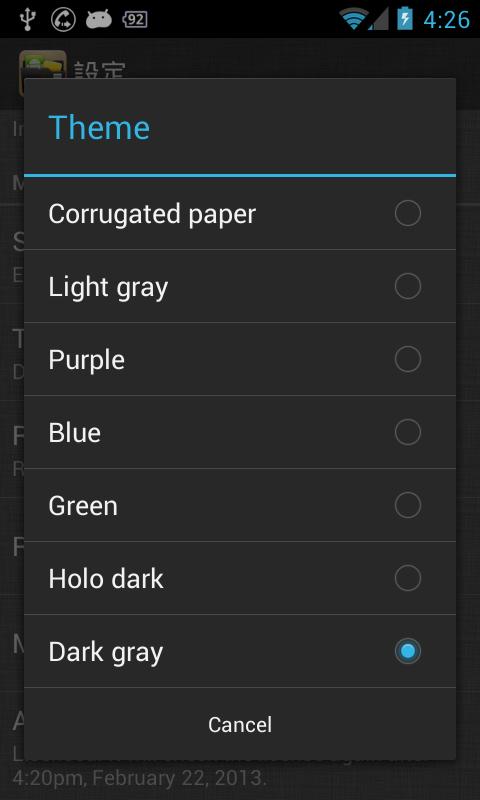
- new ICS style UI, themes
- batch uninstall apps
- batch move apps to external storage
- notify when movable apps installed
- hide apps from app drawer
- 1-tap to clear all cache
- batch clear apps cache or data
- batch view apps on Google Play
- export the app list
- install apps from the exported app list
- quick uninstall or move an app by drag-n-drop
- sort apps by name, size or installation time
- share customized app list with friends
- support home screen widgets
- support Android 2/3/4
- support "Move2SD Enabler"
- customizable notification sound, vibrate and light

Change Log
- support app2sd for Samsung GT-I9082 (Galaxy Grand with Android 4.2.2) devices
- show available storage size in percentage
- Thai localization
- updated Hebrew strings

Images


Downloads
Download
Read more

Sunday, July 24, 2016

How to recover any file from corrupted or broken HDs SSDs or SD cards

,

A couple weeks ago, I lost a Raspberry Pi SD card to corruption that didnt even have backup superblocks to restore. There seemed to be nothing to do about it since I couldnt mount it. Restoring the system wasnt a big deal. However, I really wanted some of the cpp, h, js, php, sh, and other files that I had changed a good bit but hadnt yet backed up or committed. Sure we all back up and/or use git/svn but we have to remember Murphys Law.

This is a guide on how to easily recover those files that you really want but hadnt backed up.

Needed packages

To do this, we are going to use scalpel, xxd, diff, and grep (So we are most definitely using Linux)

You will already most likely have xxd, diff, and grep on your system. To install scalpel, run:
sudo apt-get install scalpel
or yum or pacman or whatever package manager you use.

**Note: It is probably a good idea to make an image of the drive and use scalpel on that if you are able.

Editing Scalpel configuration

The default scalpel configuration file is located at /etc/scalpel.conf
All you need to do is comment out the file types you dont care about and add the filetypes you do care about that arent in there.
To create custom scalpel configurations, we will use a little bit of common sense and xxd as a hex dumper.
Find a different file with the same file type or an older copy of the file you want and run the following command:
xxd -l 0x04 filename.type; xxd -s -0x04 filename.type

This will get the first 4 and last 4 bytes of the file. Which should be enough to make the filetype unique, though you can change this as needed. You should see a pattern with a lot of files.
For instance, my sh files (the ones I wrote) often start with #!/b and end with sac. or fi..
and my cpp files often start with #inc or // and end with }.
Now we will take these hex patterns, reformat them as x?? and put them into the scalpel.conf.
You should use REVERSE whenever the file may continue multiple instances of the end statement. You may also need to increase the file size from 50000 to something much bigger for larger files.

Here are some of my custom scalpel configurations:

php         y        50000    x3cx3fx70x68x70        x3fx3e REVERSE
js y 50000 x3cx73x63x72x69x70x74x20x74x79x70x65x3dx22x74x65x78x74x2fx6ax61x76x61x73x63x72x69x70x74x22x3e x3cx2fx73x63x72x69x70x74x3e 
cpp        y        50000   x23x69x6ex63              x7dx2e  REVERSE      
cpp        y        50000   x2fx2fx20                      x7dx2e             REVERSE
h            y        50000   x23x69x66x6e              x64x69x66 REVERSE
sh           y        50000   x23x21x2fx62              x73x61x63 REVERSE


Running Scalpel

Once your scalpel configuration is finished, you need to start extracting the files. This will probably take a while and will get a lot of files (multiple copies of each that match on your system). It wont know the filename or newest version but we will look at that later. You can run scalpel with the following command:
scalpel -c /etc/scalpel.conf yourcopy.img -o output
or the following if you didnt make a copy of your HDD (you will have to specify the appropriate drive and partition number).
scalpel -c /etc/scalpel.conf /dev/sdx# -o output

Once everything is finished it will be in the output folder and we can look for the newest version of your file.

Finding your files

cd into the output directory and you can see all the different filetypes organized.
cd output; ls
For all your graphical file types, i.e. videos and pictures, they should all be listed there and you will have to rename them. 
For your other files, we can use grep recursively to find our newest version. This unfortunately requires you to remember things. It is a good idea to use a function or variable name that you used in order to find your files. Ex:
grep -R "playing()" ./
Searches for the function playing in all your files, this could give you matches in js, php, cpp, c, or h files.
grep -R "::CurlWriter" ./cpp*
Searches for the definition of CurlWriter in all of the cpp files
grep -R "VoiceCommand" ./h*
Searches for the variable or function VoiceCommand in all of your header (h files)

These will probably give you a couple of different results. In my case, these were all different versions of my file. This is a really good chance to use diff. All you have to do is select two of the files and diff to see the differences. Ex:
diff ./sh-5-1/00135386.sh ./sh-5-1/00135393.sh

Once you start getting used to this, you will be better about searching for the newest function or variable name you remember. Once you narrow it down to the newest copy of your file, you can move it elsewhere.
Ex:
mv ./sh-5-1/00135393.sh ~/ImportantFile.sh


There it is, this should allow you to recover almost any file you have created from a corrupted or bad HD, SSD, or SD card.

Places you can find me
Read more

Sunday, July 17, 2016

Can Knockdown 3 v1 23 and SD Data

,

Description
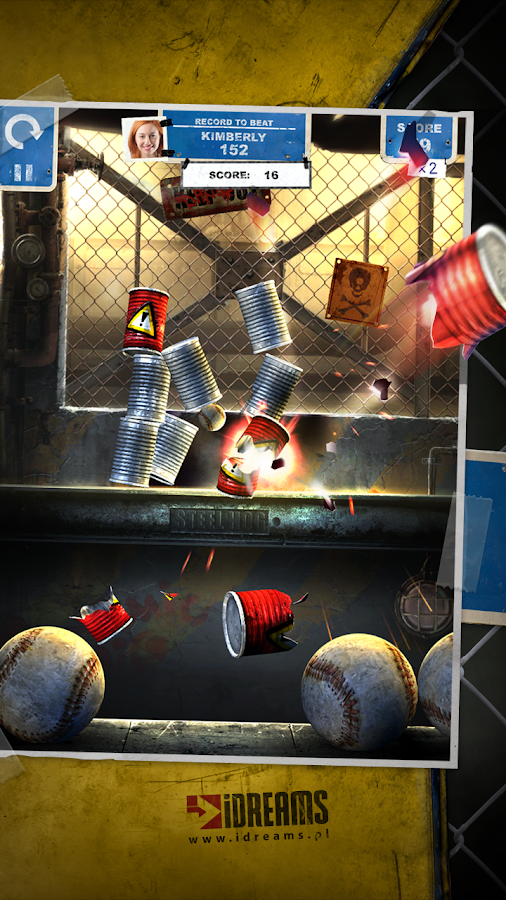
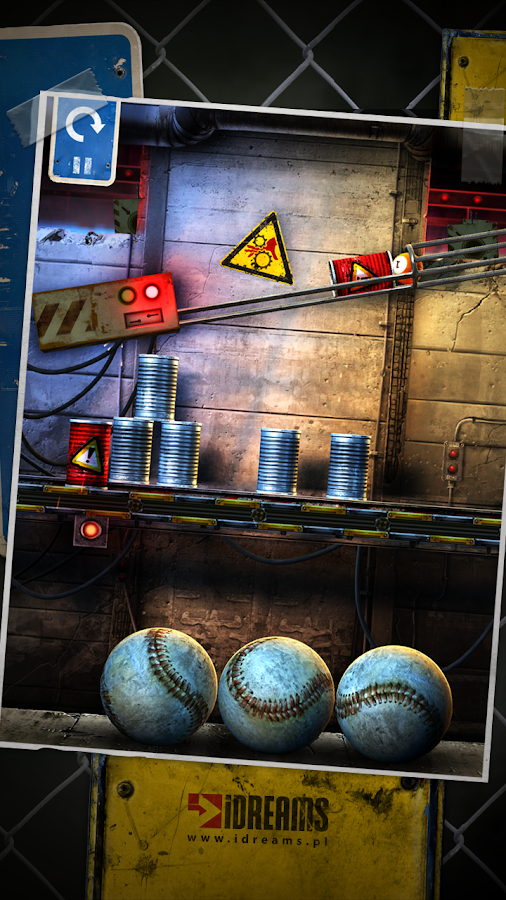
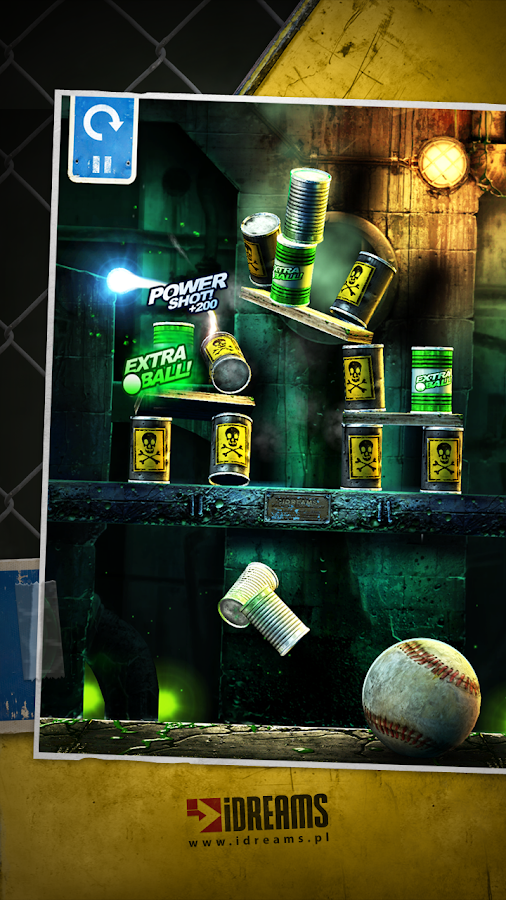
Challenge your aim, hone your precision, and push your puzzle-solving skills to the next level in this insanely addictive game. This installment takes the critically acclaimed Can Knockdown series to all new heights- the physics-based carnival gameplay you know and love- and adds unique puzzles, adrenaline-charged challenges, and even more explosive action!

Features:
• Multiple challenging levels in beautiful 3D locations
• Puzzles from Easy to Tricky… can you knock them ALL down?
• Show off your skills and challenge your friends!
• Multiple achievements and badges… collect them ALL!
• Gorgeous 3D graphics
• Amazing realism, perfectly-tuned physics engine, easy-to-use controls
• Gameplay boosts like multipliers, bonuses, and so much more!
• Unlock new levels, open new locations, and discover hidden secrets!

Change Log
- fixed problem of black screen crash on some devices,
- its possible to get 3 stars in level 7.1,
- many small improvements and bug-fixes.

Images


Downloads
Download - APK
Download - SD DATA

Install Info
1. Install apk
2. Extract bestapk.blogspot.com__pl.idreams.CanKnockdown3.zip
3. Copy pl.idreams.CanKnockdown3 folder to sdard/Android/obb/

Thats it...
Read more

Monday, May 23, 2016

Redline Rush v1 3 0 Apk and SD Data

,

Description
Jump into a super sports car and test your driving skills in this high speed driving game where you have to weave through traffic to escape the police. Avoid crashes, take down traffic cars, pick up power-ups and walk to the top of the leaderboard! This game will challenge even the most skilled arcade racing fans.

Features:
- Breathtaking visuals
- 8+8 sports cars
- 3 amazing tracks
- Epic crashes
- Challenge your friends
- Scoreloop integration
- Runs well on Tablets!

Change Log
- 4 new cars to unlock!
- Up to 10 new vinyls
- New awesome revive system
- New currency to early unlock cars and revive after crash!

Images


Video


Downloads
Download - APK
Download - SD Data

Install Info
1. Install apk
2. Extract bestapk.blogspot.com_com.crescentmoongames.redline_rush.zip and copy com.crescentmoongames.redline_rush folder to sdcard/Android/obb/

Thats it.
Read more

Friday, April 1, 2016

Despicable Me v1 3 0 apk SD Data

,

Description
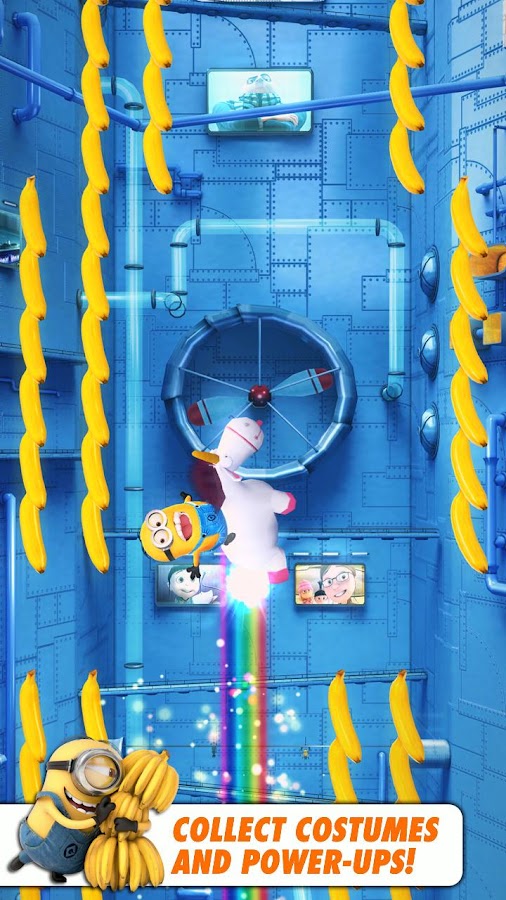
Gru’s loyal, yellow, gibberish-speaking Minions are ready for their toughest challenge in Despicable Me: Minion Rush. Play as a Minion and compete with others in hilarious, fast-paced challenges in order to impress your boss, (former?) super-villain Gru! Jump, fly, dodge obstacles, collect bananas, be mischievous, and defeat villains to earn the title of Minion of the Year!

ALL THE HEART AND HUMOR OF DESPICABLE ME
• Enjoy unpredictably hilarious Minion moments
• Perform despicable acts through hundreds of missions
• Run through iconic locations, which are full of surprises, secrets and tricky obstacles: Gru’s Lab and Gru’s Residential Area
• Customize your Minion with unique costumes, weapons, and power-ups
• Battle Vector and an all-new villain exclusively created for the game

AN INNOVATIVE AND ORIGINAL GAME
• Encounter secret areas, unique boss fights and amazing power-ups
• Experience custom animation and voice overs, and state-of-the-art 3D graphics
• Enjoy multiple dynamic camera angles
• Engage in various bonus gameplays:
? Destroy things as Mega Minion
? Collect bananas riding the Fluffy Unicorn
? Hang on to Gru’s Rocket for the ride of your life

Change Log
The Minions are ready for tons of tricks & treats in this new update for Despicable Me: Minion Rush!
- Celebrate Halloween by taking a run through Gru’s Residential area
- Dress as a Vampire, Partier or other new and fun costumes!
And more!
- Challenge your friends in new weekly competitions
- Select your costume directly from the Main Menu

Images


Downloads
Download - APK
Download - SD Data

Install Info
1. Install apk
2. extract bestapk.blogspot.com__com.gameloft.android.ANMP.GloftDMHM.zip
3. copy com.gameloft.android.ANMP.GloftDMHM folder to sdcard/Android/data

Thats it...
Read more
 

Computer Info Copyright © 2016 -- Powered by Blogger